Private Cloud
Charles IT provides private cloud Infrastructure as a Service (IaaS), giving businesses access to scalable cloud infrastructure without having to build and manage it entirely in-house. Desktop as a Service (DaaS) is also available for organizations that need hosted virtual desktops.
Common Private Cloud Challenges
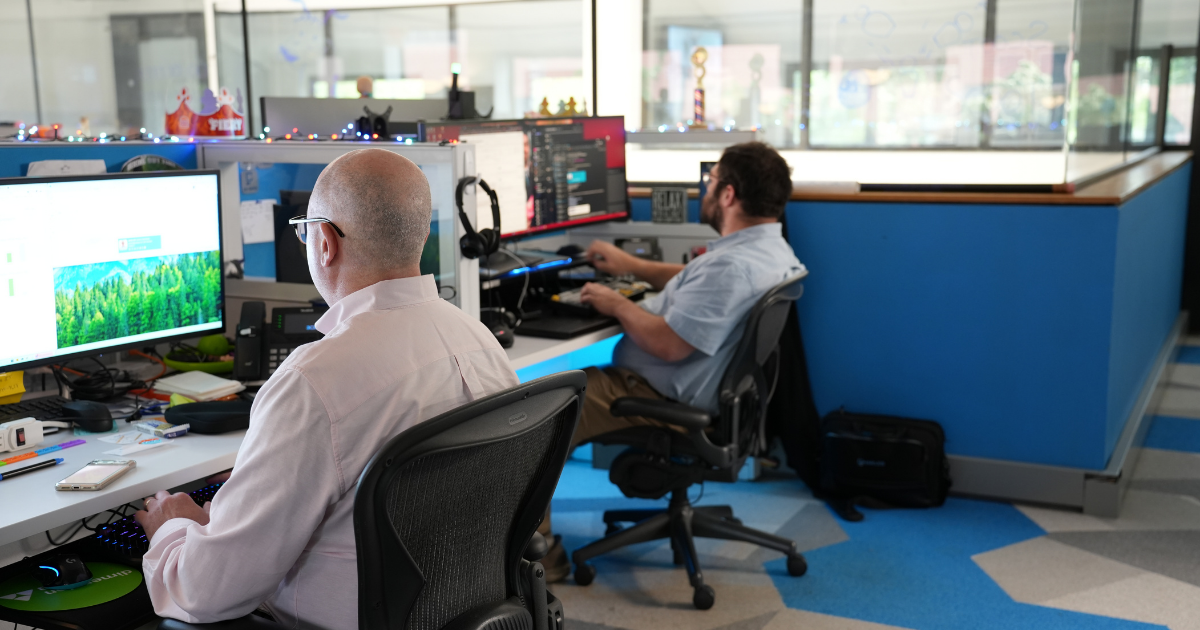
Managing business infrastructure in-house can require significant resources, while organizations still need secure, reliable technology that can adapt as their needs change.

Supporting a Mobile Workforce
Employees need access to their desktops, applications, and data whether they’re in the office or working remotely.
Managing Desktop Infrastructure
Purchasing, managing, and securing desktop software and equipment can place additional demands on internal resources.
Securing Remote Access
Organizations need to provide employees with remote access while maintaining security around business data.
Adapting as Your Business Changes
Technology environments need the flexibility to support changing workforce and business requirements.
Build Your Business on Private Cloud Infrastructure
Charles IT provides scalable private cloud infrastructure designed to reduce the burden of managing infrastructure internally. Organizations can use Infrastructure as a Service (IaaS) as the foundation for their cloud environment, with DaaS available when virtual desktops are needed.
Schedule a consultation today to see how we can help.
Private Cloud Solutions
Build a scalable private cloud environment around your organization’s infrastructure needs.

Infrastructure as a Service (IaaS)
Use private cloud infrastructure as the foundation for your organization’s applications, systems, and data.

Scalable Private Cloud Infrastructure
Scale your cloud infrastructure as your organization’s technology needs change.

Desktop as a Service (DaaS)
Add hosted virtual desktops when your organization needs employees to securely access desktops, applications, and data remotely.
Frequently Asked Questions
If you’ve got questions, we can help.
Call in and talk to a US-based, real person on our customer service team.
1 (860) 344-9628 Middletown, CT
1 (203) 363-0011 Stamford, CT
1 (757) 420-5150 Chesapeake, VA
1 (401) 272-9262 Providence, RI
What is Desktop as a Service (DaaS)?
Desktop as a Service, or DaaS, provides virtual desktops through a hosted environment. It allows employees to access their desktop experience without the organization having to buy, build, and manage all of the underlying desktop infrastructure itself.
What are the benefits of virtual desktops?
Virtual desktops can provide employees with greater flexibility to work from different locations while giving organizations a scalable alternative to purchasing and managing traditional desktop infrastructure.
Can employees access virtual desktops remotely?
Yes. Virtual desktops are designed to give employees access to their desktop environment from anywhere with an internet connection.
Can virtual desktops be accessed from different devices?
Yes. A virtual desktop environment can support remote work across different devices. The current Charles IT service specifically identifies phones and tablets as options for remote collaboration.